

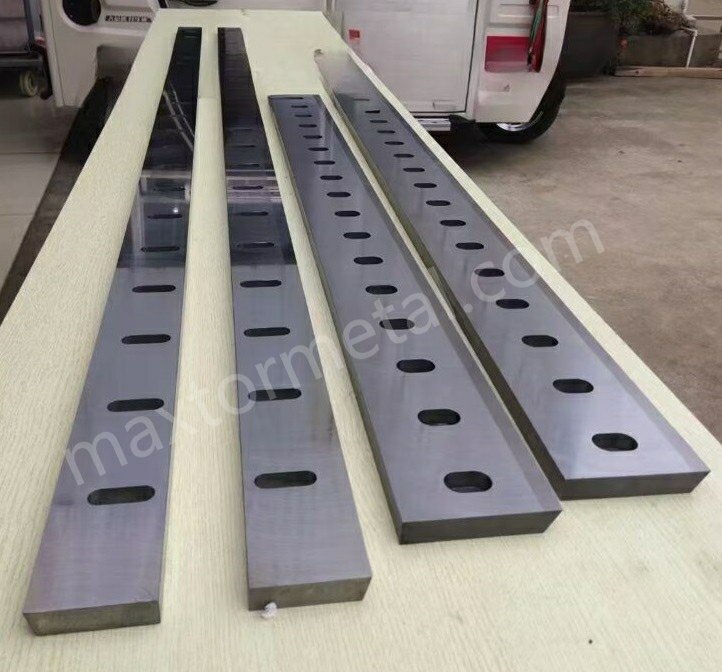
Imagine you cut a metal sheet and see rough burrs on the edge. Sometimes, you might even find chips on your cutting blade. You can stop these problems by ensuring proper Réglage du jeu des lames de cisaille. If you set the clearance just right, you achieve smooth cuts and fewer burrs. Your blades will also last longer and avoid damage. Many workers make mistakes like using lames émoussées. Some use plates that are too thick. Others set the gap unevenly. You can avoid these issues by checking if your blade is sharp. Make sure the machine matches the plate thickness. Adjust the gap carefully. High-quality blades from Metal Industrial help you get excellent results in your shop.
Principaux points à retenir
- The right shear blade clearance stops burrs and makes clean cuts. Change the gap for each material to get the best cut.
- Dull blades or wrong plate thickness make cuts look bad. Always check if blades are sharp and fit the material.
- Setting blade clearance the right way helps blades last longer. It also keeps the machine from wearing out fast. This saves money on fixing or buying new parts.
- Use the clearance percentages that experts suggest for each material. For mild steel, use 5% to 10%. For stainless steel, use 8% to 12%.
- Use feeler gauges and shims to set the blade gap exactly. These tools help you get the right setting for smooth cuts.
- Take care of your machine often. Clean it every day and look at the blades a lot. This keeps the machine working well.
- Try your settings on scrap pieces before you start the real job. This helps you find problems and get good cuts.
- Use charts from the industry to check blade clearance fast. These charts make it easier to set the blades and help you avoid mistakes.
Why Shear Blade Clearance Adjustment Matters
Cut Quality and Burr Prevention
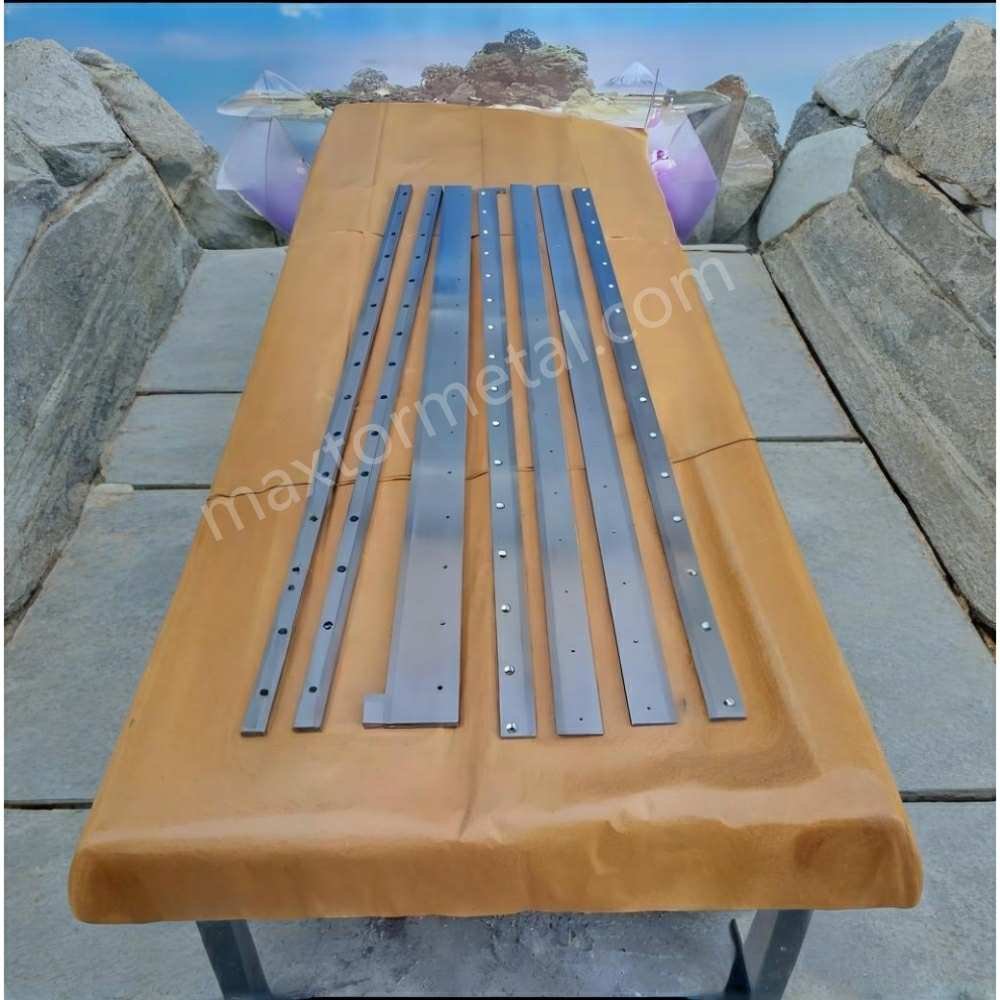
You want every cut to look clean and smooth. The gap between the cutting blades, called blade clearance, plays a big role in this. If you set the gap too wide or too narrow, you will see rough edges and burrs on your metal sheets. Burrs are sharp, unwanted pieces of metal that stick out from the edge. They can make your parts look bad and even cause safety problems. When you use the right blade clearance, you get clean edges and almost no burrs. Worn or damaged cutting blades also make burrs worse. If you cut soft metals or work at high speeds, you need to pay extra attention to your settings. Good shear blade clearance adjustment helps you avoid these problems and keeps your work looking professional.
Blade Longevity and Machine Health
You want your cutting blades to last as long as possible. If you set the blade clearance wrong, your blades will wear out faster. Too tight a gap makes the blades rub together and causes extra friction. This can lead to chips or cracks in the blades. Too wide a gap makes the blades hit the metal at the wrong angle, which can also cause damage. When your blades wear out, you need to replace them more often. This costs money and takes time. Bad settings also put stress on your shearing machine. The machine can overheat or break down, leading to expensive repairs. By adjusting the blade clearance correctly, you protect both your blades and your machine.
Productivity Impact
When you set the blade clearance just right, you work faster and waste less material. Clean cuts mean you do not need to spend extra time fixing rough edges. You throw away less scrap, which saves money. Your production line moves smoothly because you do not stop for repairs or blade changes as often. The table below shows how accurate blade clearance helps your shop:
| Avantage | Description |
|---|---|
| Coupes plus nettes | You get high-quality cuts every time. |
| Reduced Scrap Rates | You waste less material with each cut. |
| Lower Rework Requirements | You spend less time fixing mistakes. |
| Improved Production Rates | You finish jobs faster and more efficiently. |
| Lower Operational Costs | You save money on repairs and wasted materials. |
If you use automatic systems, they can adjust the gap for you. These systems save time and help your blades last longer. They also keep your machine running smoothly. Whether you adjust by hand or use a system, always check your blade clearance for the best results.
Shear Blade Clearance Formulas
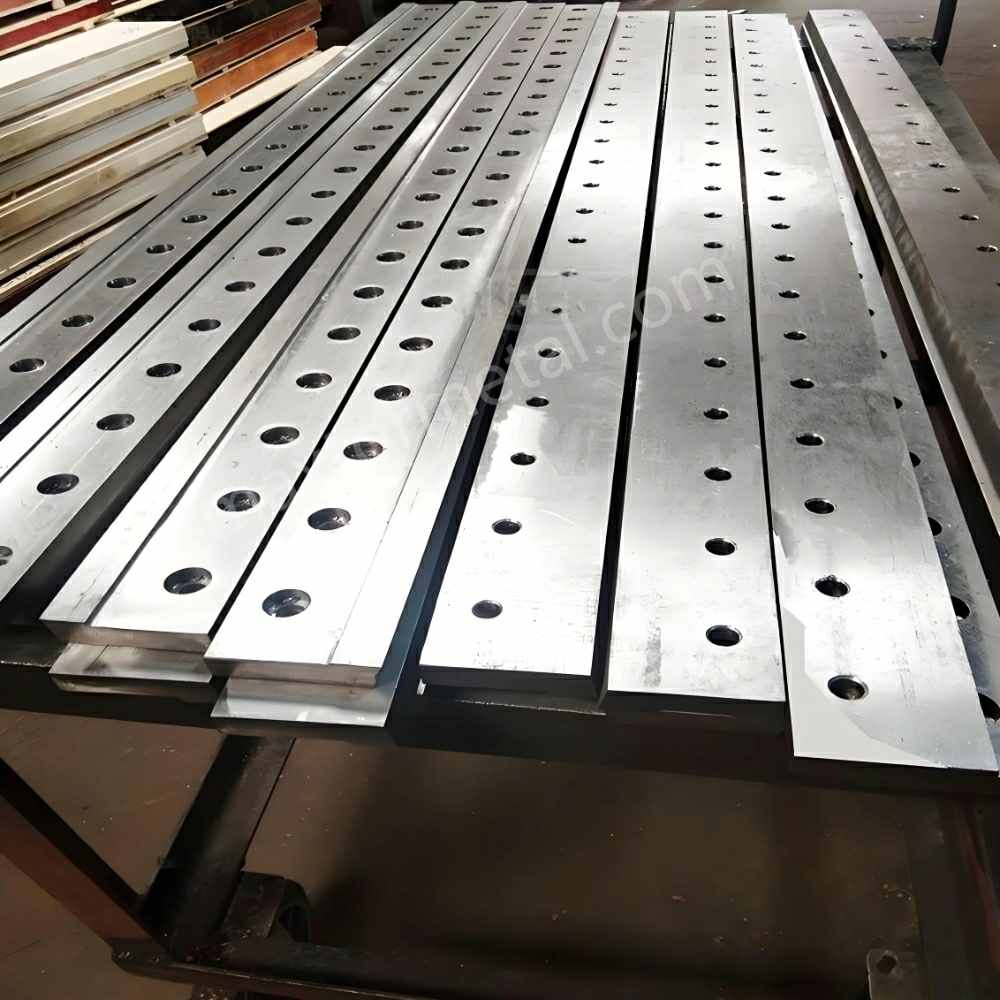
Setting the right gap between your cutting blades is important for every shearing machine. You need to use the correct formula for each material. This helps you get clean cuts and avoid burrs. You can use simple rules and charts to find the best setting for your job.
Material Thickness Percentage Rule
You can use a percentage of the material thickness to set your blade clearance. This rule works for most metals. You measure the thickness of your sheet, then multiply by a set percentage. The answer gives you the ideal gap between your blades.
Mild Steel Formula
For mild steel, you should set the clearance between 5% and 10% of the sheet thickness. If you cut a 4 mm thick mild steel plate, you multiply 4 mm by 0.07 (7%) to get a clearance of 0.28 mm. This range gives you a good balance between clean cuts and long blade life.
Stainless Steel Formula
Stainless steel is harder than mild steel. You need a wider gap to prevent blade damage. Set the clearance between 8% and 12% of the sheet thickness. For a 3 mm stainless steel sheet, multiply 3 mm by 0.10 (10%) to get a clearance of 0.3 mm. This helps your cutting blade last longer and reduces burrs.
Aluminum Formula
Aluminum is softer than steel. You can use a smaller gap. Set the clearance between 4% and 6% of the sheet thickness. For a 2 mm aluminum sheet, multiply 2 mm by 0.05 (5%) to get a clearance of 0.1 mm. This keeps your cut edge smooth.
Conseil: If you work with custom blades for different materials, you can find more information about lame personnalisée options.
Recommended Clearance Percentages
You can use these guidelines for most jobs:
- For mild steel, use 5% to 10% of the sheet thickness.
- For stainless steel, use 8% to 12%.
- For aluminum, use 4% to 6%.
- For high-strength steel, increase the clearance up to 16% or more.
If you cut thicker or harder materials, increase the gap. This prevents damage to your cutting blade and helps your shearing machine run smoothly.
| Type de matériau | Recommended Clearance (%) | Example (3 mm sheet) | Clearance (mm) |
|---|---|---|---|
| Acier doux | 5% – 10% | 3 x 0.07 | 0.21 |
| Acier inoxydable | 8% – 12% | 3 x 0.10 | 0.30 |
| Aluminium | 4% – 6% | 3 x 0.05 | 0.15 |
| Acier à haute résistance | 12% – 16% | 3 x 0.14 | 0.42 |
Using Industry Charts
You can also use industry charts to set your blade clearance. These charts show the best gap for each material and thickness. Many machine manuals include these tables. You can find charts online or from your blade supplier. Always check the chart before you start a new job.
- Look for the material type and thickness in the chart.
- Find the recommended clearance value.
- Set your cutting blade gap to match the chart.
If you use special materials or custom blades, ask your supplier for a chart that matches your needs. This helps you avoid mistakes and keeps your cuts clean.
Note: Charts help you set the right clearance quickly. They also help you avoid common errors in shear blade clearance adjustment.
By following these formulas and using charts, you can set your blade clearance with confidence. You will get better results and protect your cutting blade from damage.
Technical Factors in Adjusting Blade Clearance
Material Strength Effects
Impact of High-Strength Materials
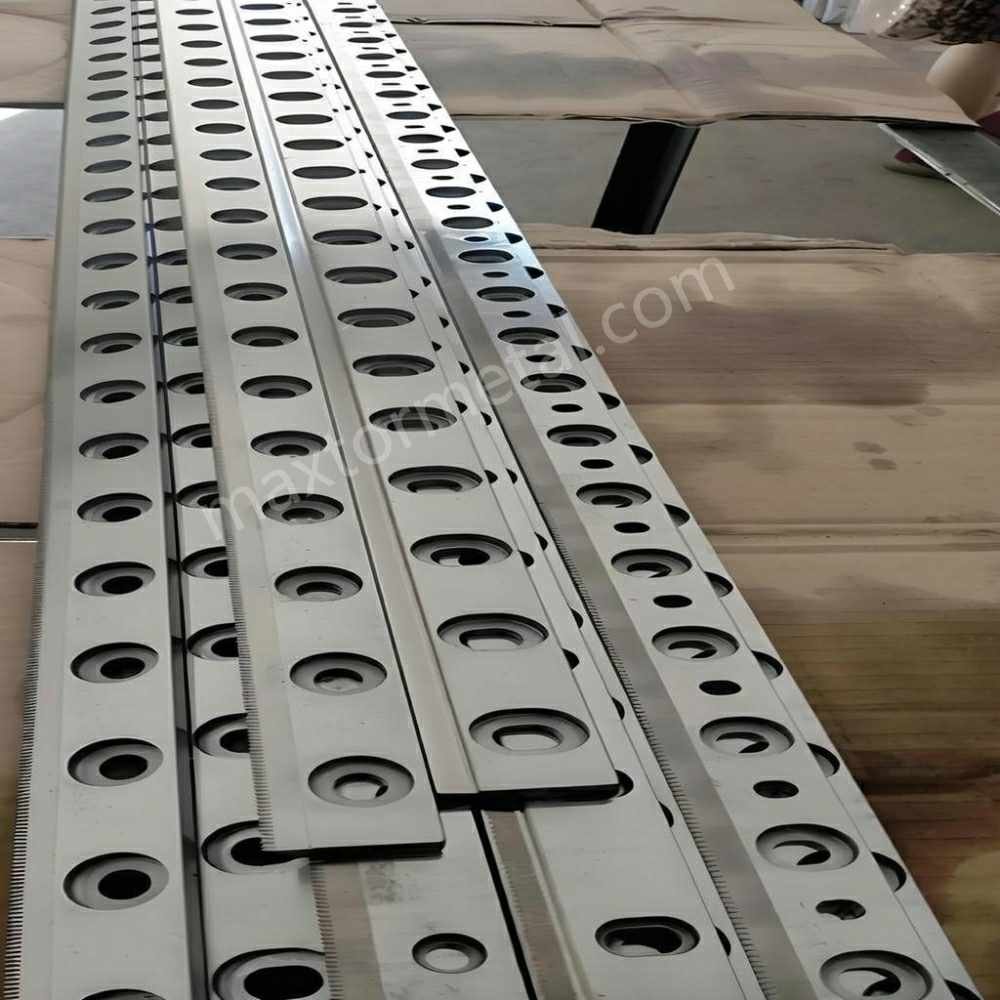
You need to be careful with high-strength metals. These metals, like stainless steel or strong alloys, are very hard. They need a bigger gap between your cutting blade edges. If the gap is too small, you can get double shearing and burrs. Your blades will wear out quickly. If the gap is too big, your cuts may not be straight. The edge might fold.
Here is a table that shows what happens with different gaps:
| Clearance Level | Effects |
|---|---|
| Too little | Double shear, burrs, rapid wear |
| Too much | Inaccurate cuts, folding |
| Minimum (for stainless steel) | Prevents burrs and work hardening |
Always check the recommended gap for high-strength metals. This helps you keep your blades safe and your cuts smooth.
Adjusting for Soft Metals
Soft metals like aluminum or copper need a smaller gap. These metals bend easily. If the gap is too big, you might see rough edges or folding. If the gap is too small, your blades can wear out faster. Use the lower end of the recommended gap for these metals. Try your settings on a scrap piece before you start your job.
Mixed Material Processing Considerations
Sometimes you cut sheets made from different metals at once. Set your blade gap for the hardest metal in the batch. If you use the gap for the softest metal, your blade can get damaged when you cut harder sheets. Check your blades for wear after cutting mixed metals. This helps you keep your cuts looking good.
Blade Rake Angle
Influence on Shearing Force
The rake angle is how much your cutting blade tilts. This angle changes how hard it is to cut the metal. A positive rake angle makes cutting easier. It lowers the force needed. A negative rake angle makes cutting harder. It can make your cuts look worse.
Here is a table that explains the effects:
| Rake Angle Type | Effect on Shearing Force | Effect on Cut Quality |
|---|---|---|
| Positive Rake | Reduces shearing force | Improves cut quality |
| Negative Rake | Increases shearing force | May decrease cut quality |
Pick a rake angle that fits your metal and machine. A sharper rake angle needs less force but can wear out your blade faster.
Effects on Edge Quality
The rake angle also changes how the edge looks. A sharper rake angle gives a cleaner edge. Positive rake angles make the cutting face sharper. This makes your finished part look better. Negative rake angles make the blade stronger but can leave a rough edge. You should balance edge quality and blade life when you set the rake angle.
Conseil: Use a positive rake angle for a smooth edge. Use a negative rake angle for more blade strength.
Adjusting Rake Angle for Different Materials
Modifiez l'angle d'attaque pour chaque métal que vous coupez. Pour les métaux tendres, utilisez un angle d'attaque positif plus accentué. Pour les métaux durs ou épais, utilisez un angle moins aigu pour protéger votre lame. Consultez toujours le manuel de votre machine pour déterminer l'angle d'attaque optimal. Testez vos réglages sur une pièce d'essai pour trouver le meilleur compromis entre force de coupe et qualité d'arête.
Considérations relatives à la conception de la machine
Porte-lames fixes vs réglables
La conception de votre machine influe sur la façon dont vous réglez le jeu entre lames. Les machines équipées de porte-lames réglables vous permettent de positionner la lame de coupe avec plus de précision. Cela garantit des coupes régulières et prolonge la durée de vie de vos lames. Les porte-lames fixes offrent peu de possibilités de réglage, ce qui peut entraîner une usure accrue de la lame ou des coupes irrégulières.
Voici un tableau comparatif des deux types :
| Fonctionnalité | Porte-lames réglables | Porte-lames fixes |
|---|---|---|
| Réglage de précision | Permet un ajustement précis de la position de la lame | Capacités de réglage limitées |
| Qualité de coupe | Maintient une qualité de coupe constante | Risque de variations |
| Minimisation de l'usure | Réduit l'usure grâce à un alignement précis | Peut entraîner une usure accrue |
| Application | Idéal pour les industries exigeant une haute précision | Moins adapté aux travaux de précision |
| Mécanisme de réglage | Vis de précision ou cadrans micrométriques | N / A |
Pour obtenir les meilleurs résultats, utilisez des machines équipées de porte-lames réglables.
Cisailles hydrauliques vs mécaniques
Les cisailles hydrauliques utilisent la puissance fluide pour actionner la lame. Ces machines fonctionnent de manière fluide et maintiennent une force constante. Les cisailles mécaniques utilisent des engrenages et des leviers. Elles peuvent couper plus rapidement mais sont plus difficiles à régler pour des coupes d'une précision exacte. Choisissez le type adapté à votre activité. Les cisailles hydrauliques permettent de maintenir plus facilement le jeu entre lames adéquat.
Alignement et parallélisme
Veillez à ce que les arêtes de vos lames de coupe soient bien alignées et parallèles. Un mauvais alignement provoque des coupes irrégulières et use vos lames. Utilisez des cales d'épaisseur ou des comparateurs à cadran pour vérifier l'alignement. Serrez toutes les fixations conformément aux instructions du manuel de votre machine. Effectuez des coupes d'essai pour vous assurer du parallélisme des lames. Effectuez des contrôles fréquents pour éviter les problèmes et maintenir les performances de votre machine.
Note: Ajustez toujours le jeu entre lames en fonction du métal et de votre machine. Cela vous permet d'éviter les erreurs et de maintenir des performances de coupe optimales.
Matériaux spéciaux
Acier à haute résistance
La coupe de l'acier à haute résistance présente des défis particuliers. Ce matériau est très résistant et peut user rapidement votre lame de coupe. Vous devez régler le jeu entre lames avec le plus grand soin. Pour une tôle d'acier de 1 mm d'épaisseur, il convient d'utiliser un jeu compris entre 0,05 et 0,1 mm. Cette plage permet d'éviter d'endommager la lame et d'obtenir des coupes nettes. Vérifiez toujours l'épaisseur et les propriétés de votre acier avant de régler l'écartement. Veillez à ce que les lames supérieure et inférieure restent parfaitement parallèles, faute de quoi vous obtiendrez des coupes irrégulières ou des arêtes de mauvaise qualité.
Conseil: Utilisez une cale d'épaisseur pour mesurer le jeu. Testez vos réglages sur une chute avant de démarrer la production principale.
Voici un tableau de référence rapide pour l'acier à haute résistance :
| Épaisseur d'acier (mm) | Jeu entre lames recommandé (mm) |
|---|---|
| 1.0 | 0.05 – 0.10 |
| 2.0 | 0.10 – 0.20 |
| 3.0 | 0.15 – 0.30 |
Matériaux stratifiés ou composites
Les matériaux stratifiés et composites associent des couches de différentes substances. Vous pouvez être amené à travailler sur des tôles combinant métal et plastique. Ces matériaux risquent de se fissurer ou de s'effilocher si le jeu entre lames n'est pas réglé correctement. Commencez avec un jeu légèrement plus large que pour les métaux massifs, ce qui évite d'écraser ou de délaminer les couches.
- Vérifiez l'épaisseur totale de la tôle, et non celle d'une seule couche.
- Effectuez des coupes d'essai pour déterminer le jeu entre lames le plus adapté.
- Examinez la coupe pour détecter d'éventuels signes de fissuration ou d'arêtes rugueuses.
- Ajustez le jeu si vous constatez des défauts.
Vous devez veiller à ce que votre lame de coupe reste bien affûtée. Des lames émoussées risquent de déchirer les couches et d'endommager votre pièce.
Matériaux non métalliques (ex. : plastiques, caoutchouc)
Vous pouvez avoir à couper des matériaux non métalliques comme le plastique ou le caoutchouc. Ces matériaux réagissent différemment des métaux. Les plastiques peuvent fondre ou s'ébrécher, tandis que le caoutchouc peut s'étirer ou se déformer. Il convient d'utiliser un jeu entre lames plus réduit pour ces matériaux. Commencez par le réglage recommandé le plus faible et ajustez si nécessaire.
- Utilisez une lame de coupe bien affûtée pour obtenir une arête propre.
- Testez vos réglages sur une pièce d'essai.
- Surveillez les signes de fusion, d'ébréchure ou d'arêtes rugueuses.
- Ajustez le jeu entre lames jusqu'à obtenir des coupes parfaitement lisses.
Note: La coupe de matériaux non métalliques peut nécessiter davantage de tâtonnements. Vérifiez toujours le résultat obtenu et ajustez progressivement vos réglages.
Vous devez adapter le jeu entre lames au matériau ainsi qu'à votre machine. Cela évite les erreurs et préserve l'efficacité de votre lame de coupe.
Manually Adjusting Blade Clearance
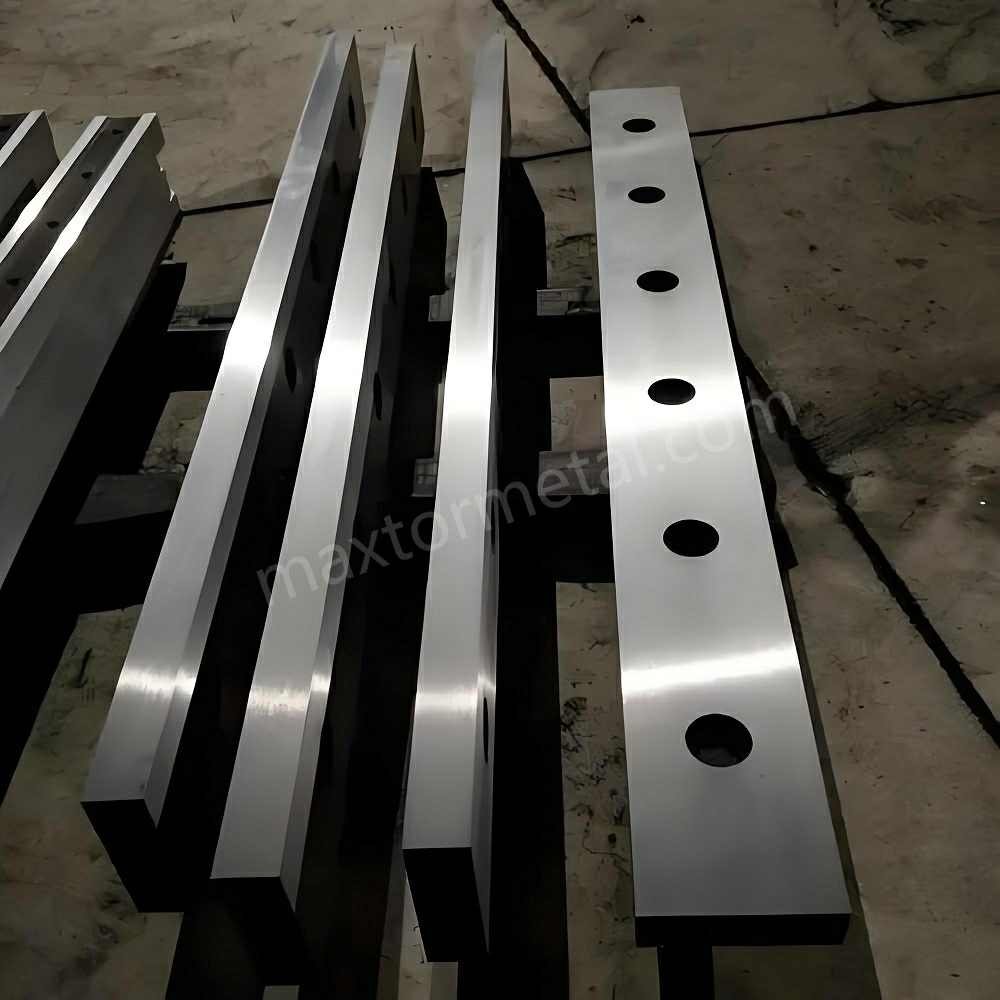
Pour obtenir des coupes nettes et sans bavures, vous devez régler le jeu entre lames avec précision. Le réglage manuel du jeu offre un contrôle total sur le procédé. Des outils simples vous permettent de mesurer et d'ajuster l'écartement avec exactitude. Cette section présente les outils nécessaires et vous guide étape par étape.
Tools for Adjustment
Vous devez disposer des bons outils pour régler le jeu entre vos lames. Ils vous permettent de mesurer, d'ajuster et de contrôler la précision du jeu.
Jauges d'épaisseur
Les jauges d'épaisseur sont de fines bandes métalliques portant l'indication de leur épaisseur. Vous les utilisez pour mesurer le jeu entre la lame supérieure et la lame inférieure. Glissez la jauge dans l'interstice jusqu'à sentir une légère résistance. Si la jauge s'insère parfaitement, vous avez le bon jeu de coupe. Les jauges d'épaisseur sont disponibles en jeux, vous permettant de choisir la dimension exacte requise pour votre matériau.
Cales
Les cales d'épaisseur sont de fines pièces de métal ou de plastique. Vous les placez entre la lame et le porte-lame pour ajuster sa position. Les cales vous permettent d'apporter de légers ajustements au jeu. Vous pouvez superposer les cales pour obtenir le réglage parfait. Utilisez toujours des cales propres et bien plates pour garantir les meilleurs résultats.
Dial Indicators
Dial indicators measure small movements with high accuracy. You attach the dial indicator to the machine frame. Move the blade and watch the dial. The needle shows you how much the blade moves. This tool helps you check if the blades are parallel and if the gap is even across the whole length.
Processus de réglage étape par étape
Follow these steps to set your blade clearance by hand. You will get the best results if you work slowly and check your progress at each stage.
- Turn off the machine and lock it out for safety.
- Remove the lower blade and clean it piece by piece. Dirt or metal chips can affect your measurements.
- Install the lower blade tightly. Check its straightness in both horizontal and vertical directions.
- Adjust the gap by moving the lower blade. The upper blade usually stays fixed.
- Locate the left and right adjusting bolts on the lower blade. Turn these bolts to increase or decrease the clearance.
- Find the set screws on both sides of the lower blade. Use these to narrow the gap if needed. Remember to loosen the backup nuts first.
- Loosen the four bolts on the lower blade table. This lets you move the blade for fine adjustments.
- Lower the upper blade by hand until it is close to the lower blade. Start your adjustment from the blanking area.
- Use a feeler gauge to set the gap to your target value (for example, 0.5 mm) on the left side.
- Move the blade to the middle position. Check and adjust the gap again.
- Repeat the process on the right side. Make sure the gap is even across the whole blade.
- Fine-tune the position with the feeler gauge until you reach the correct clearance.
Conseil: Always test your settings on a scrap piece before starting your main job. This helps you avoid mistakes and ensures your cutting blade gives a clean edge.
Locking and Testing the Setting
After you finish adjusting, you need to lock everything in place and check your work. This step makes sure your settings stay accurate during cutting.
- Tighten all the bolts and backup nuts on the lower blade and table.
- Double-check the gap with your feeler gauge at several points along the blade.
- Run the upper blade down slowly by hand. Watch for any spots where the blades touch or the gap changes.
- Use a dial indicator to check that the blades stay parallel from end to end.
- Make a test cut with your cutting blade on a sample sheet. Inspect the edge for burrs or roughness.
- If you see problems, repeat the adjustment steps until you get a smooth, clean cut.
Note: Metal Industrial’s Shear Blades are designed for precise adjustment. Their quality helps you achieve accurate settings and consistent results.
By following these steps, you can master manually adjusting blade clearance. You will protect your blades, improve your cut quality, and keep your machine running smoothly.
Conseils d'entretien
You want your shear blade clearance to stay accurate for every job. Good maintenance helps you get clean cuts and keeps your machine running well. Follow these tips to protect your cutting blade and make sure your equipment lasts longer:
- Clean Daily
Wipe down your machine every day. Remove dust, metal shavings, and debris from the blade area. Dirt can build up and affect the gap between your blades. Clean surfaces help you keep the clearance precise. - Inspect the Blades Often
Look at your cutting blade before each shift. Check for dull edges, chips, or signs of misalignment. If you see any damage, replace or regrind the blade right away. Sharp blades give you the best results and help prevent burrs. - Check the Hydraulic System
If your machine uses hydraulics, look at the oil level once a week. Low or dirty oil can cause the system to overheat. Change the oil as needed to keep everything working smoothly. - Tighten Bolts and Fasteners
Loose bolts can make the blades shift during cutting. Use a wrench to check and tighten all fasteners regularly. Secure parts help you keep the blade gap even and safe.
Conseil: Keep a maintenance log. Write down each cleaning, inspection, and adjustment. This record helps you spot problems early and keeps your machine in top shape.
A good maintenance routine protects your cutting blade and helps you achieve the right shear blade clearance adjustment every time. You will see fewer burrs, smoother edges, and longer machine life.
Troubleshooting and Adjusting Blade Clearance

Excessive Burrs
Common Causes
You might see burrs on your cut edges. Burrs show up when something is wrong during shearing. Here are some reasons why this happens:
- Dull knives can crush or tear the material, not slice it cleanly.
- If the clearance between the blades and workpiece is too small, the material gets pushed instead of cut, making burrs.
- The wrong cutting speed or feed rate can make more shear force and bigger burrs.
- Not enough lubrication or cooling makes more friction, so burrs are more likely.
- Stress from the machine or heat during cutting can cause tearing and rough spots.
If you see burrs, check these things first.
Detection Methods
You can find burrs and their causes with easy checks:
- Look at the cut edges for raised or rough spots.
- Run your fingernail along the edge. If it feels sharp or jagged, there are burrs.
- Compare burr size and shape on different materials and settings.
- Check the cut edge for tearing or a saw-like look.
Checking often helps you find problems early and keep cuts smooth.
Solutions
You can fix too many burrs by doing these steps:
- Change the blade clearance to the right percentage for your material. Use charts or formulas to help.
- Replace or sharpen dull or damaged blades. Sharp blades cut better and make fewer burrs.
- Make sure the upper and lower blades are lined up and touch right.
- Set the right cutting speed and feed rate for your material.
- Use enough lubrication and cooling to lower friction when cutting.
Conseil: Always try your settings on a scrap piece before your main job. This helps you get a smooth edge without burrs.
Blade Chipping and Wear
Blade chipping and wear can make your cutting blade not last as long. It can also make your cuts look bad. Watch for these signs and know what causes them.
| Problème | Explication |
|---|---|
| Excessive clearance | Too much clearance lets the metal move, causing angled or rough cuts. |
| Incorrect blade installation | If the blade is not put in right, it can chip from uneven stress. |
| Improper clearance | A gap that is too small or too big makes more friction and blade damage. |
Check your blades for chips, cracks, or uneven wear. If you see damage, look for wrong clearance or too much force. Make sure you use the right blade material for your work. Replace or sharpen blades when needed, and always set the clearance right to stop more problems.
Formula Errors
Mistakes with blade clearance formulas can make bad cuts and hurt your machine. Here are some common mistakes and how to stop them:
- If the blade clearance is too small, there is more friction and the blade or workpiece can bend.
- If the clearance is too big, cuts are rough and forces are uneven.
- If the blades are not lined up, they can break and cause safety problems.
- Too much clearance can trap material and stop the machine.
- Always check the material thickness and type before using any formula.
- Use charts from the industry and check your math.
- For 1.0 mm thick mild steel, set the clearance between 0.05 mm and 0.1 mm, and change it for different materials.
- If your results are not the same each time, look at your machine manual or ask the maker for help.
- Test your settings on scrap material before you start the real job.
Note: Careful math and testing help you stop formula mistakes and keep your machine working well.
Machine Alignment Issues
You must keep your machine lined up to get good cuts from your shear. If your machine is not lined up, your cuts can look jagged, rough, or slanted. These problems happen when the blades are not straight or the holders are loose. When things are not lined up, there is more rubbing on the bearings. This makes the parts wear out faster and uses more power. If you do not fix these problems, your machine can break sooner.
You can find alignment problems by looking at the edges of your cuts. If the cuts look uneven or rough, check the blade holders and guides. Use feeler gauges or dial indicators to measure the gap and see if the blades are straight. Tighten all bolts and fasteners the way your manual says. If you find any loose parts, fix them right away.
Here are steps you can use to find and fix machine alignment problems:
- Look at the blade holders and guides to see if they are loose or not lined up.
- Use a feeler gauge or dial indicator to check if the blades are straight all the way across.
- Tighten all bolts and fasteners as the maker says.
- Make a test cut and look at the edge to see if it is smooth.
- If you still see problems, check and fix the alignment again.
Conseil: Always check your machine’s alignment before you start a new job. This helps you keep your blade clearance right and your cutting blade working well.
Troubleshooting Checklist
You can use a checklist to fix most problems with your shear. This helps you find and fix things fast. Go through each question before you start cutting.
- Do you see burrs on the cut edge?
- Are the blades chipped, cracked, or very worn?
- Did you use the right clearance formula for the material?
- Are the blades lined up and straight?
- Did you do regular maintenance on the shear?
- Did you set the blade clearance for the sheet metal thickness?
- Did you check if the blade is sharp and not damaged?
- Did you use a clearance gauge to measure and set the gap?
- Are all bolts and fasteners tight?
- Did you use the right tools to set the blade and make the gap even?
If you answer “no” to any question, stop and fix it before you keep going. This checklist helps you keep your machine safe and your cuts smooth.
Note: Checking and fixing things often helps you stop problems and keeps your shop working well.
Achieving Zero-Burr Results
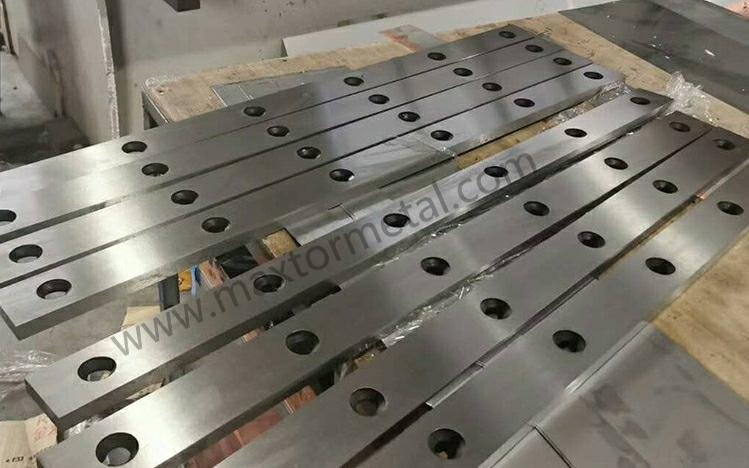
Fine-Tuning for Materials
You can get zero-burr results if you change your settings for each material. Every metal or non-metal sheet acts in its own way when you cut it. First, check how thick and hard your material is. Use the right clearance percentage for the type of material. Softer metals like aluminum need a smaller gap. Harder metals like stainless steel need a bigger gap. Always test your settings on a scrap piece before you start your main job. If you see burrs or rough edges, change the clearance a little and try again. Sometimes you need to change the rake angle or move the blade for special materials. Write down what works best for each type. This helps you set up faster next time.
Conseil: When you use a new material, always reset your shear blade clearance adjustment. This stops mistakes and keeps your cuts smooth.
Inspection visuelle
You should check every cut edge after you finish shearing. Look for a shiny, smooth edge with no raised metal or rough spots. Burrs look like thin, sharp pieces sticking out from the edge. Run your finger or a cloth along the cut. If you feel any roughness, you need to change your settings. Compare the edges from different cuts. If all the edges look the same, your machine is set up well. If you see changes in how the edge looks, check your blade alignment and clearance. Checking by eye helps you find problems early and avoid doing the work again.
| Inspection Step | Que rechercher | Que faire ensuite |
|---|---|---|
| Apparence des bords | Smooth, shiny, no burrs | Continue production |
| Feel Test | No sharpness or roughness | Adjust clearance |
| Cohérence | Same quality on all cuts | Check alignment |
Meilleures pratiques de maintenance
You need to take care of your machine and blades to keep them working well. These steps help you get zero-burr results every time:
- Clean your machine every day to get rid of dust and metal shavings.
- Check your blades often to see if they are dull or not lined up.
- Look at the hydraulic oil level every week if your machine uses hydraulics.
- Tighten bolts and fasteners often so nothing moves during cutting.
- Sharpen and grind blades with the right tools, but do not take off too much metal.
- Check and set the cutting clearance and alignment before each job.
- Change worn parts as soon as you see a problem.
- Handle and store blades carefully so they do not get damaged.
Regular maintenance keeps your cutting blade sharp and your machine working well. You will see fewer burrs and get better results.
Quick-Reference Table
You want to set your shear blade clearance adjustment quickly and correctly. A quick-reference table helps you find the right gap for each material and thickness. You can use this table before you start cutting. It saves you time and helps you avoid mistakes.
Below, you see a table with common materials and their recommended clearance percentages. You also see examples for different sheet thicknesses. Use this table as a guide when you set up your cutting blade.
| Type de matériau | Recommended Clearance (%) | 1 mm Sheet (mm) | 2 mm Sheet (mm) | 3 mm Sheet (mm) | Remarques |
|---|---|---|---|---|---|
| Acier doux | 5% – 10% | 0.05 – 0.10 | 0.10 – 0.20 | 0.15 – 0.30 | Use lower end for thin sheets |
| Acier inoxydable | 8% – 12% | 0.08 – 0.12 | 0.16 – 0.24 | 0.24 – 0.36 | Increase for harder grades |
| Aluminium | 4% – 6% | 0.04 – 0.06 | 0.08 – 0.12 | 0.12 – 0.18 | Use smaller gap for soft metal |
| Acier à haute résistance | 12% – 16% | 0.12 – 0.16 | 0.24 – 0.32 | 0.36 – 0.48 | Test on scrap before cutting |
| Plastics/Rubber | 2% – 4% | 0.02 – 0.04 | 0.04 – 0.08 | 0.06 – 0.12 | Start with smallest gap |
| Laminates/Composites | 10% – 14% | 0.10 – 0.14 | 0.20 – 0.28 | 0.30 – 0.42 | Watch for splitting |
Conseil: Always measure your material thickness before you set the clearance. If you use a new material, test your settings on a scrap piece first.
You can follow these steps to use the table:
- Find your material type in the first column.
- Check the thickness of your sheet.
- Look at the recommended clearance percentage.
- Multiply your sheet thickness by the percentage to get the gap.
- Set your shear blade clearance adjustment using feeler gauges or shims.
If you see burrs or rough edges after cutting, adjust the gap slightly and try again. You may need to change the clearance for special materials or thicker sheets. Always check your results with a visual inspection.
You can print this table and keep it near your machine. This helps you set up faster and avoid errors.
Erreurs courantes à éviter :
- Setting the gap too small for hard metals. This can damage your cutting blade.
- Using the same clearance for every material. Each type needs its own setting.
- Forgetting to check blade alignment before cutting.
- Not testing on scrap before starting a big job.
You can use this quick-reference table every time you set up your shear blade clearance adjustment. It helps you get smooth cuts and zero-burr results.
You can learn how to adjust shear blade clearance by doing these steps: First, loosen the screws on the blade. Next, use a feeler gauge to check the gap on the left, middle, and right sides. Make sure the gap is even all the way across. If it is not, change the gap a little until it is right.
Check your blade clearance by hand often. This helps you get smooth cuts and keeps your machine working well. Good blades, like Metal Industrial blades, last a long time and give you accurate cuts:
| Avantage | Description |
|---|---|
| Superior Material Selection | Blades built for hard work and long use. |
| Optimized Geometry | Special edge shape for easy, clean cutting. |
Need help? Contactez notre ingénieur commercial for advice on your project.
FAQ
What is shear blade clearance adjustment?
Shear blade clearance adjustment means setting the space between the top and bottom blades on your shear machine. You do this to make sure your cuts are smooth and to stop burrs from forming on metal sheets.
How often should you check blade clearance?
Check blade clearance before every job you do. If you switch materials or see burrs, check and fix the gap right away.
Why do burrs appear after cutting?
Burrs show up if the blade clearance is too tight or too wide. Dull blades and blades that are not lined up also make burrs. You can fix this by changing the gap and sharpening the blades.
What tools help you set blade clearance?
You use feeler gauges, shims, and dial indicators to measure and set the gap. These tools help you get the right shear blade clearance adjustment.
Can you use the same clearance for all materials?
No, you cannot use the same gap for every material. Softer metals need a smaller space. Harder metals need a bigger space. Always check the right percentage for your material.
How do you know if the blades are aligned?
You check blade alignment with a feeler gauge or a dial indicator. Make a test cut and look at the edge. If the cut is smooth and even, your blades are lined up.
What happens if you ignore regular maintenance?
If you skip maintenance, blades wear out faster. You will see more burrs and rough edges. Your machine might break down. Taking care of your machine keeps your shear blade clearance adjustment correct.
Is it safe to adjust blade clearance yourself?
Yes, you can adjust blade clearance by yourself. Always turn off the machine first. Use the right tools and follow safety rules. Test your settings on scrap metal before you start your main job.
Voir aussi
Réaliser des Coupes Sans Bavure avec des Lames de Cisaille à Guillotine de Précision
Lames de Cisaille D2 : Pourquoi l'Acier D2 Est le Roi de la Coupe de Métaux à Froid
Comment Dépanner les Problèmes Courants des Lames de Cisaille à Ferraille Hydraulique en 2025

 English
  Spanish
  Italian
  French
  Portuguese
  Russian
  German
  Arabic
  Hindi
Hindi  Vietnamese
  Indonesian
  Japanese
  Korean
4 réponses
I couldn’t resist commenting. Well written!
Merci!